Overview
- Orders can be edited if they have not yet started being processed.
- You can amend address details, courier service and even items in the order.
- If you have staff managing your customer service we can create additional staff accounts free of charge, please contact your account manager.
Editing An Order
1) From your Fulfillable Dashboard go to Orders>Overview.
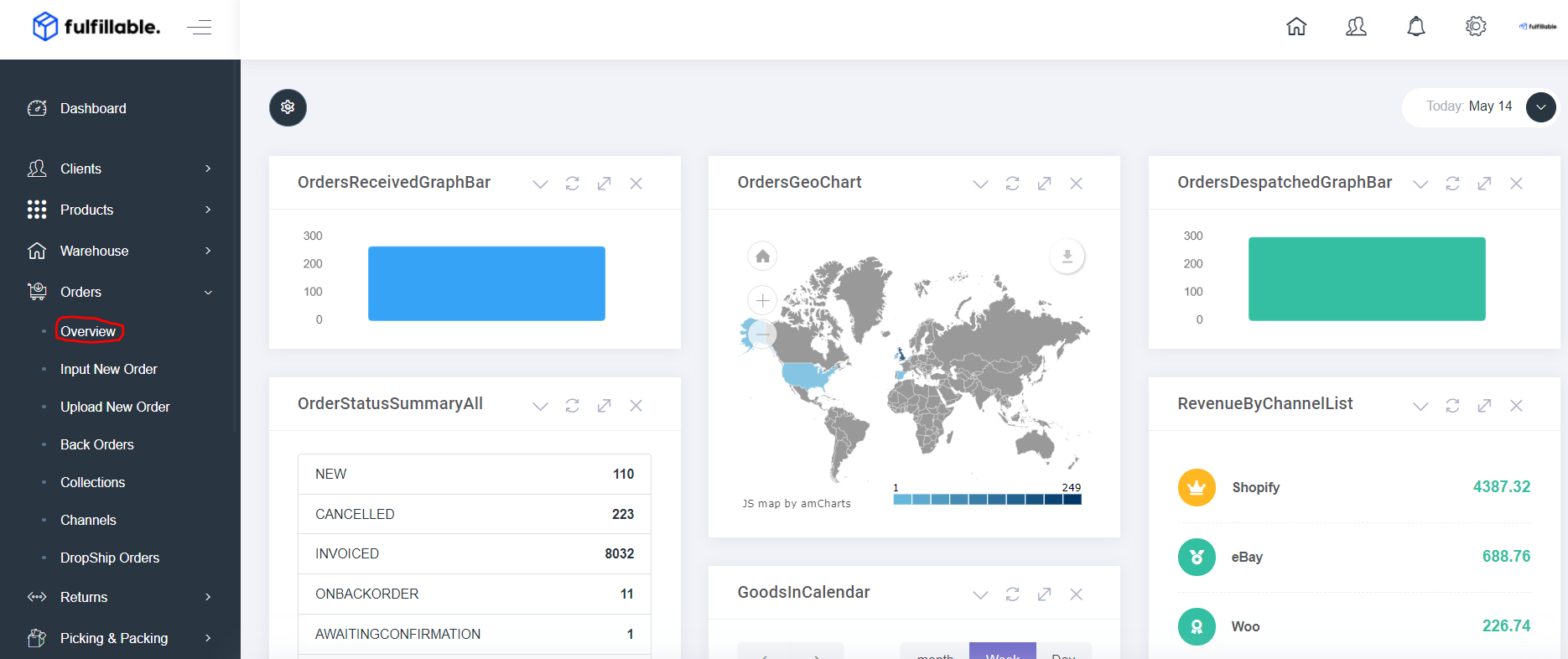
2) Filter or search for the order using the order ID or customer name.
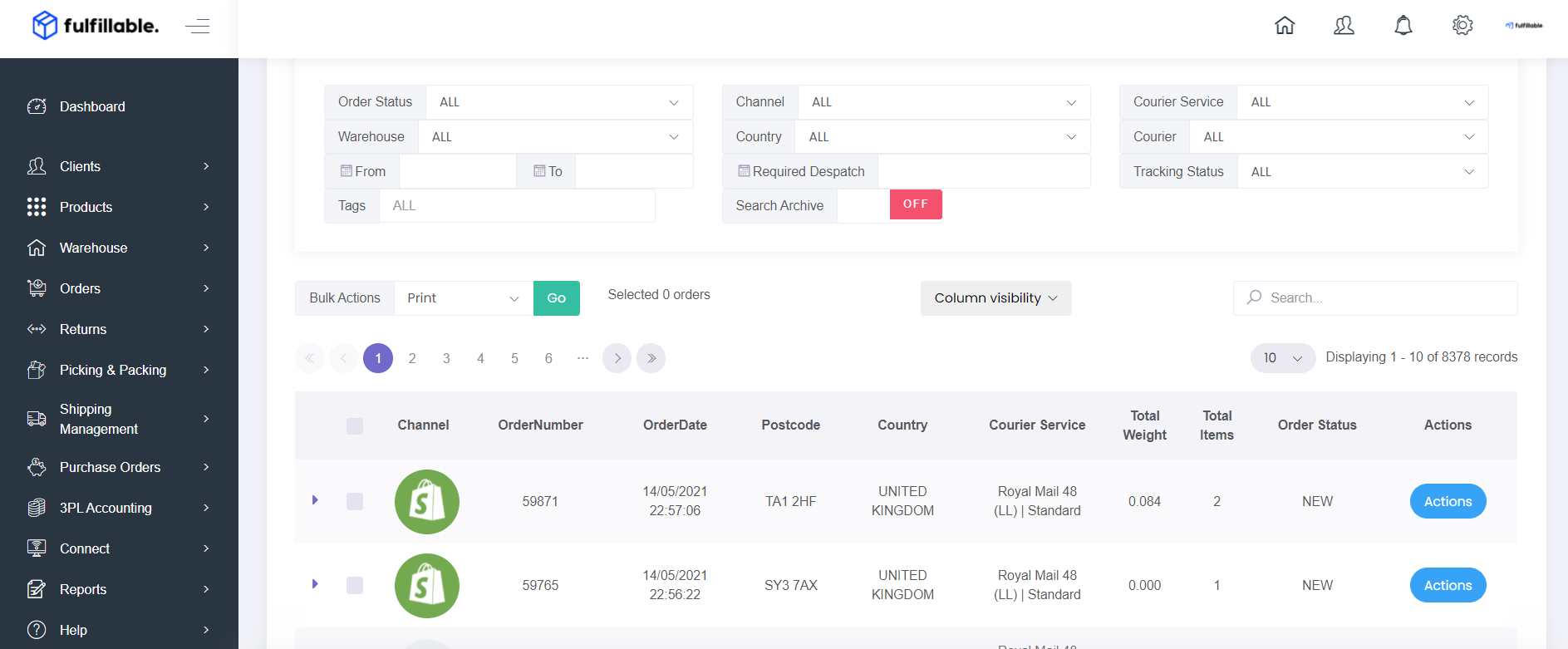
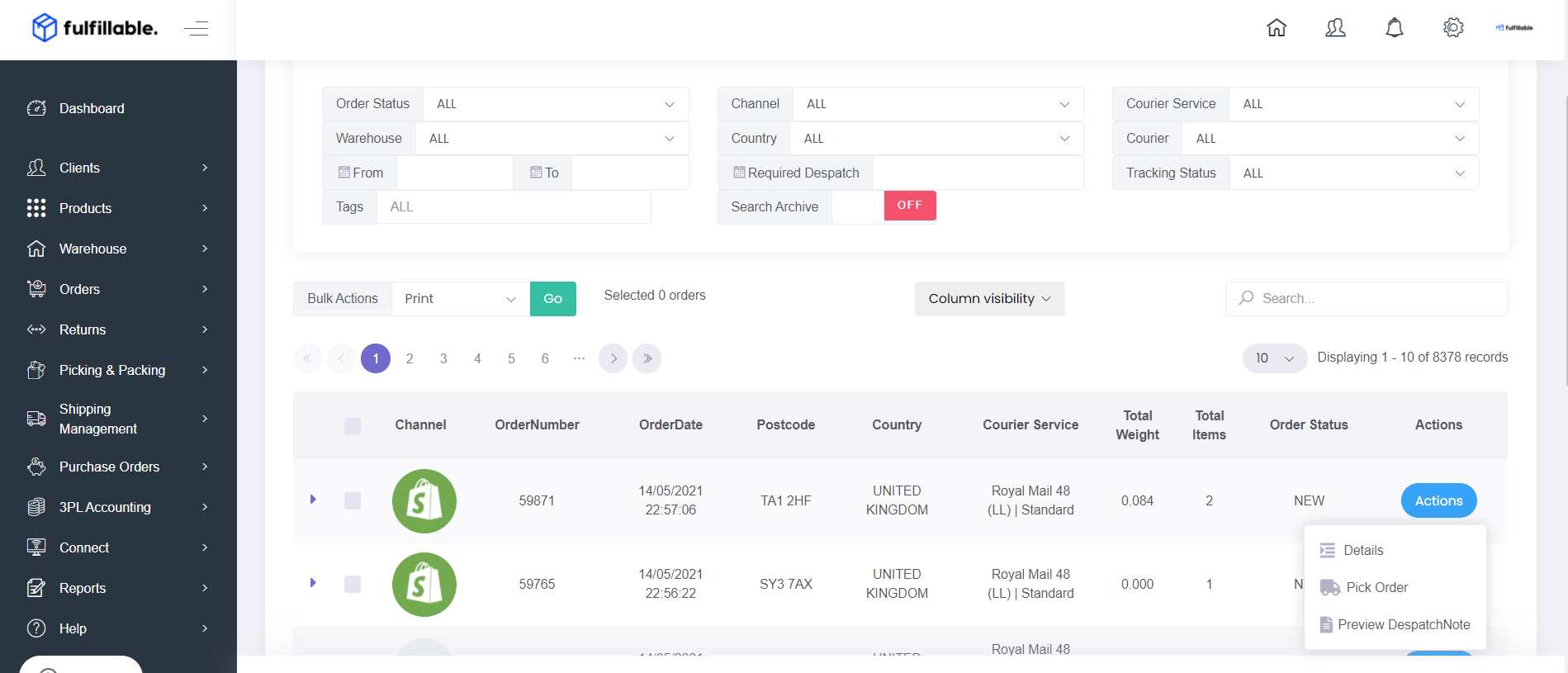
3) On the order in question click Actions>Details
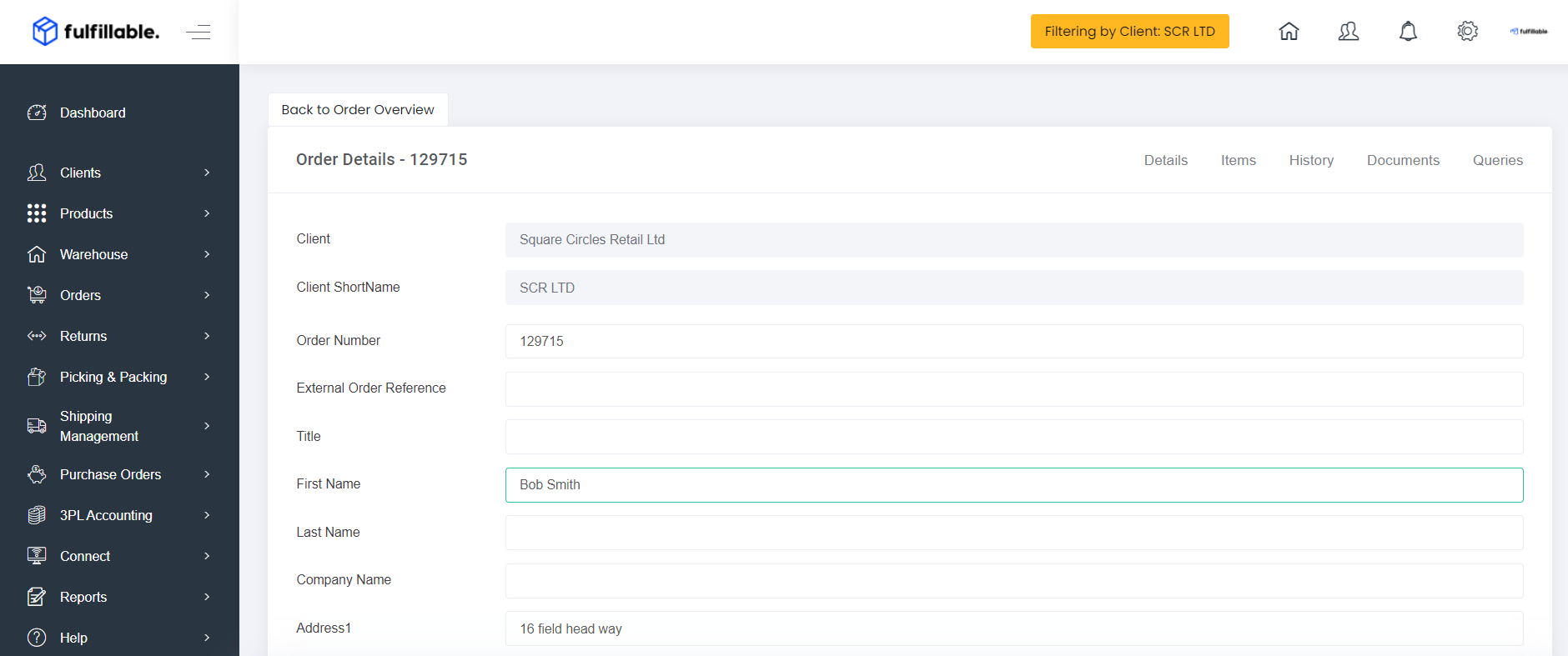
4) Details from this tab you can edit
- Name & Address
- Courier Service
- Phone Number
- Email Address
5) Items from this tab you can add or delete products and also change their quantities.
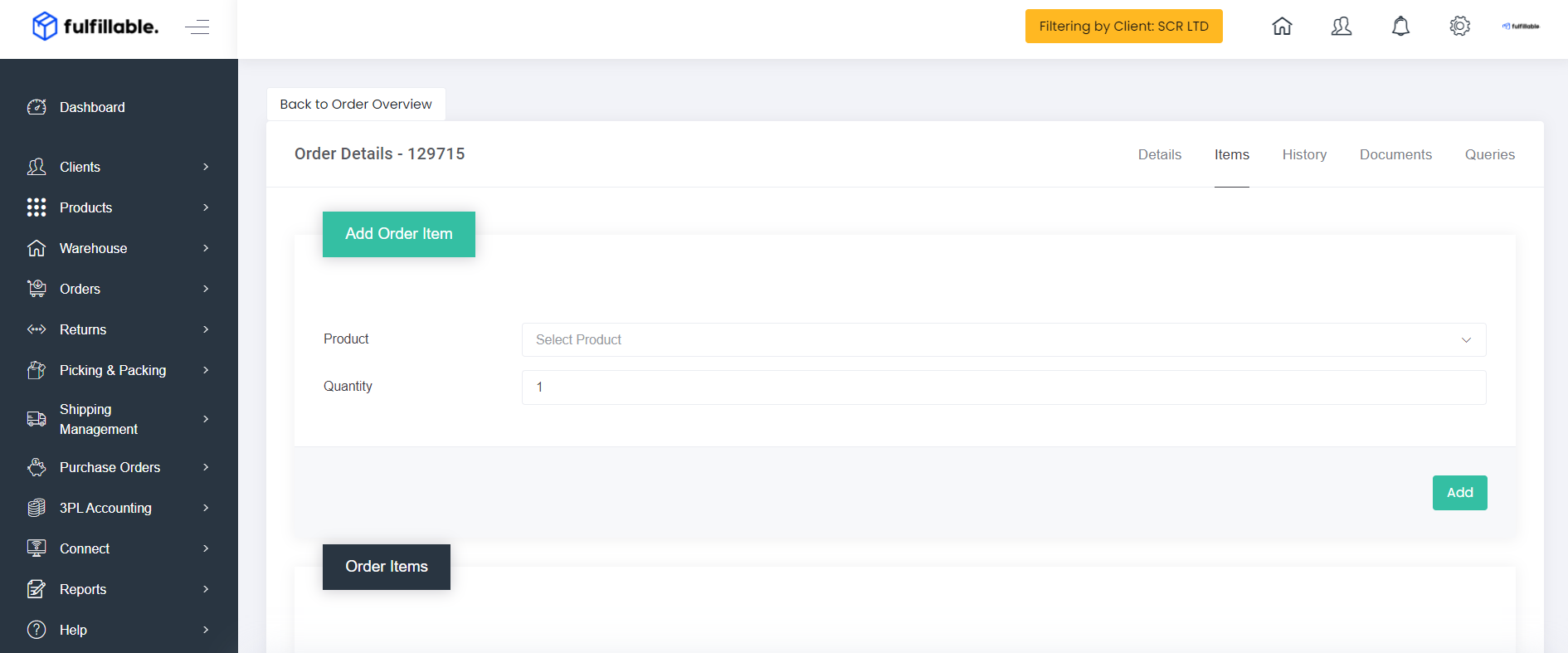
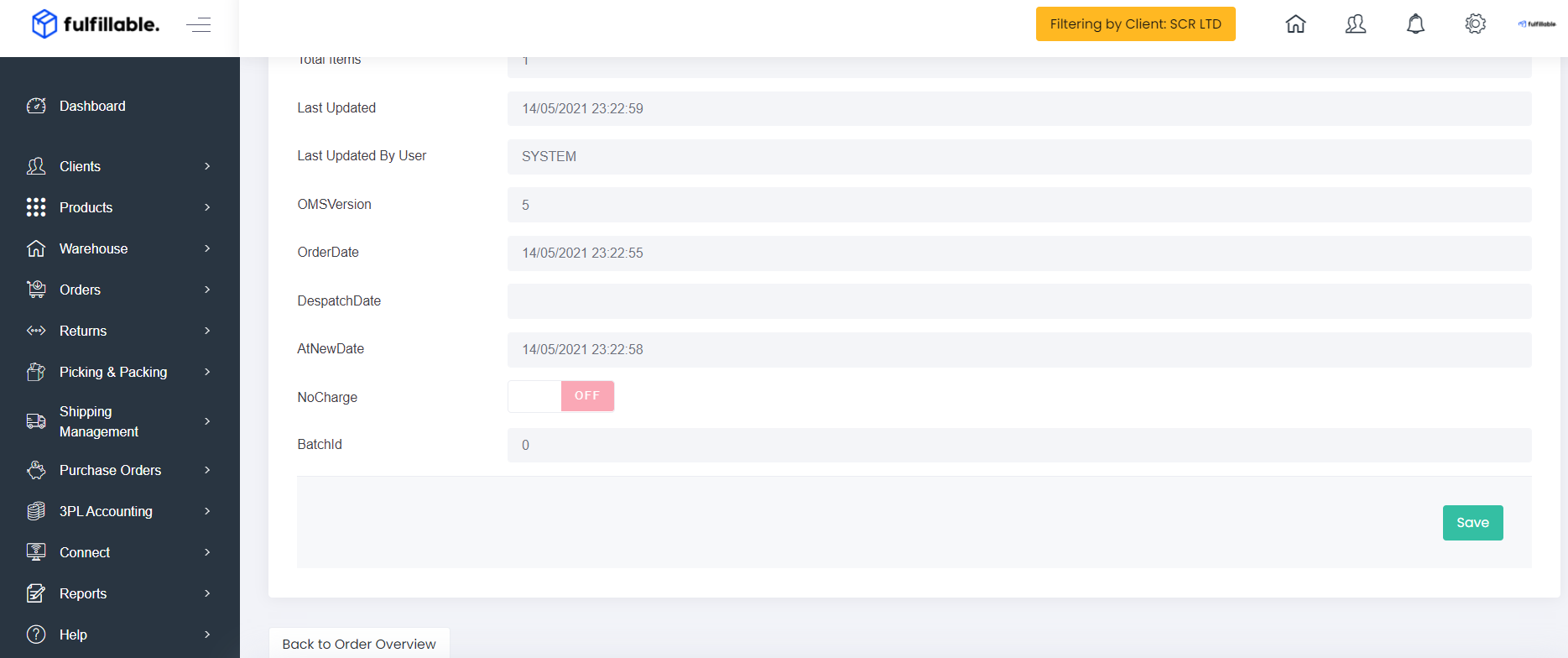
6) Once finished with your changes please click the green "Save" button and the changes will be applied.
Editing Orders That Are Being Processed
If the order has already moved from "NEW" status to being picked by the warehouse team it is no longer possible to change the items or cancel the order. However you can still raise a query for the warehouse team to make these changes.
- Change Address
- Change Courier
1) Navigate to queries, select the query type and fill in the comments section with the change you need to make.
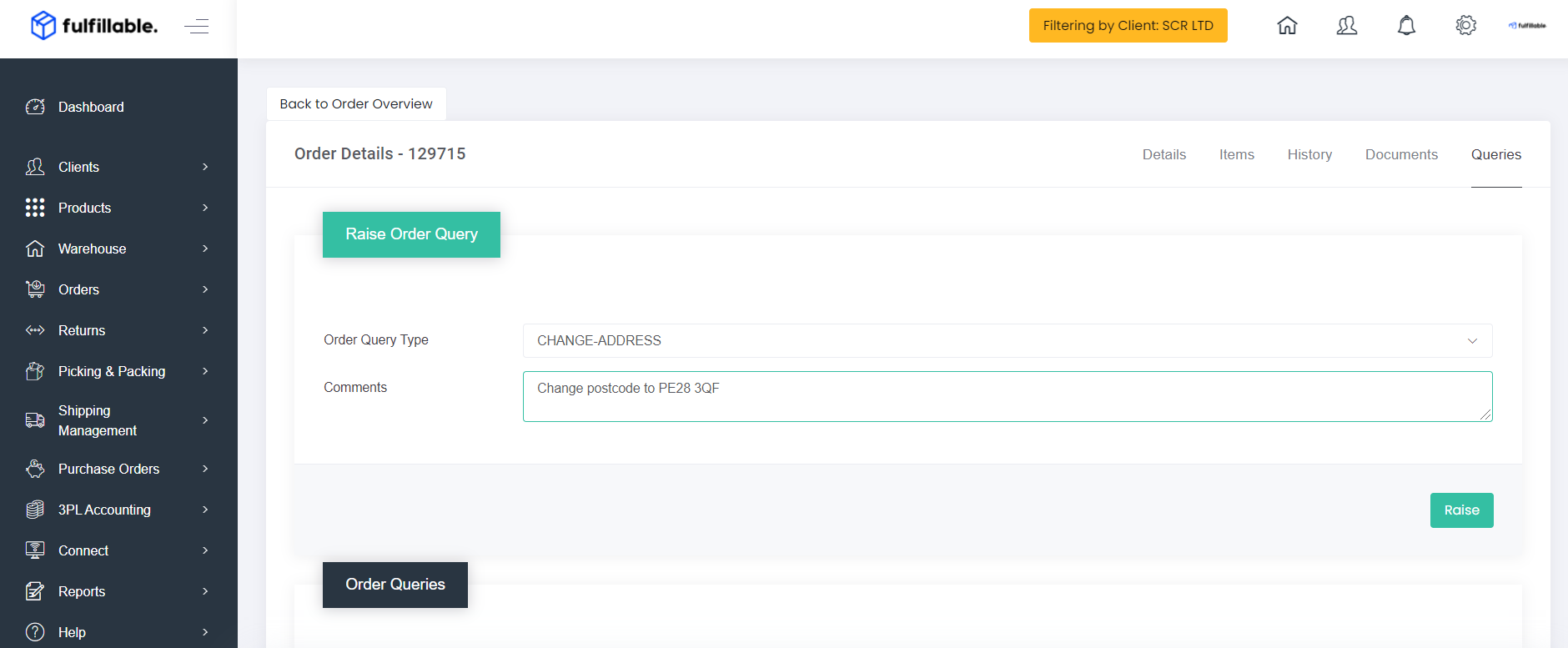
2) Click the green "Raise" button and the warehouse team will be notified to amend the order during the packing process.
Comments
0 comments
Please sign in to leave a comment.