Use Examples
- Input Orders You Are Taking Payment For Manually
- Creating Orders For Marketing Purposes For Example Sending To Influencers
Creating A Manual Order
You can input manual orders on Fulfillable using our easy to use cart style ordering system.
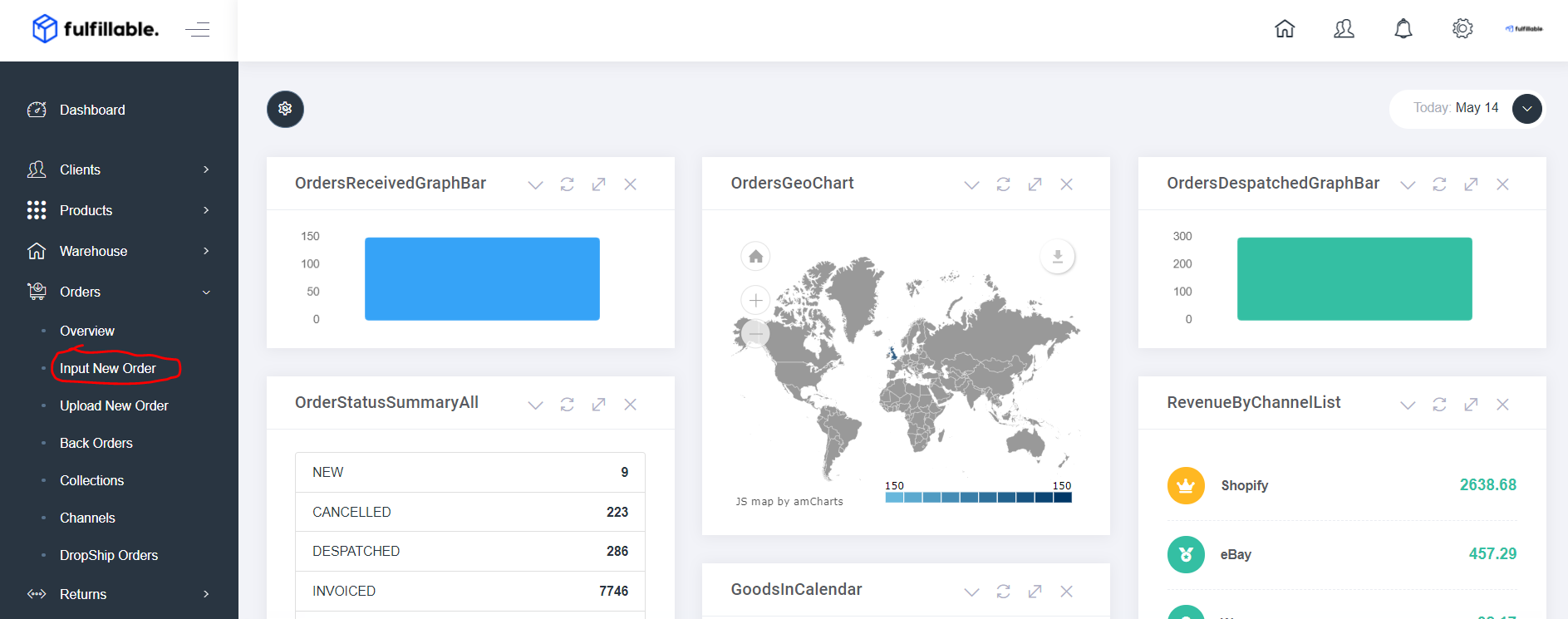
1) From your dashboard go to Orders>Input New Order
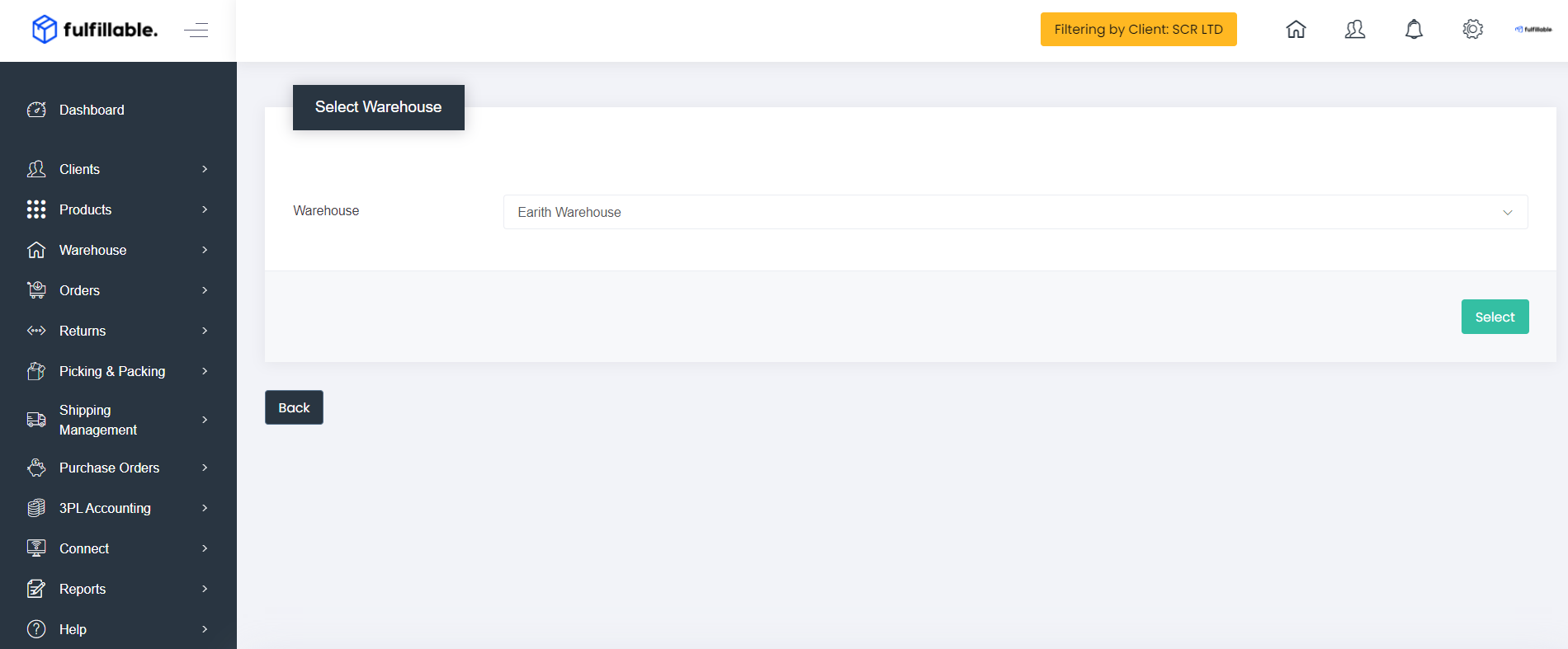
2) Select the warehouse the order is being shipped from. (In most cases you will only have one option available here)
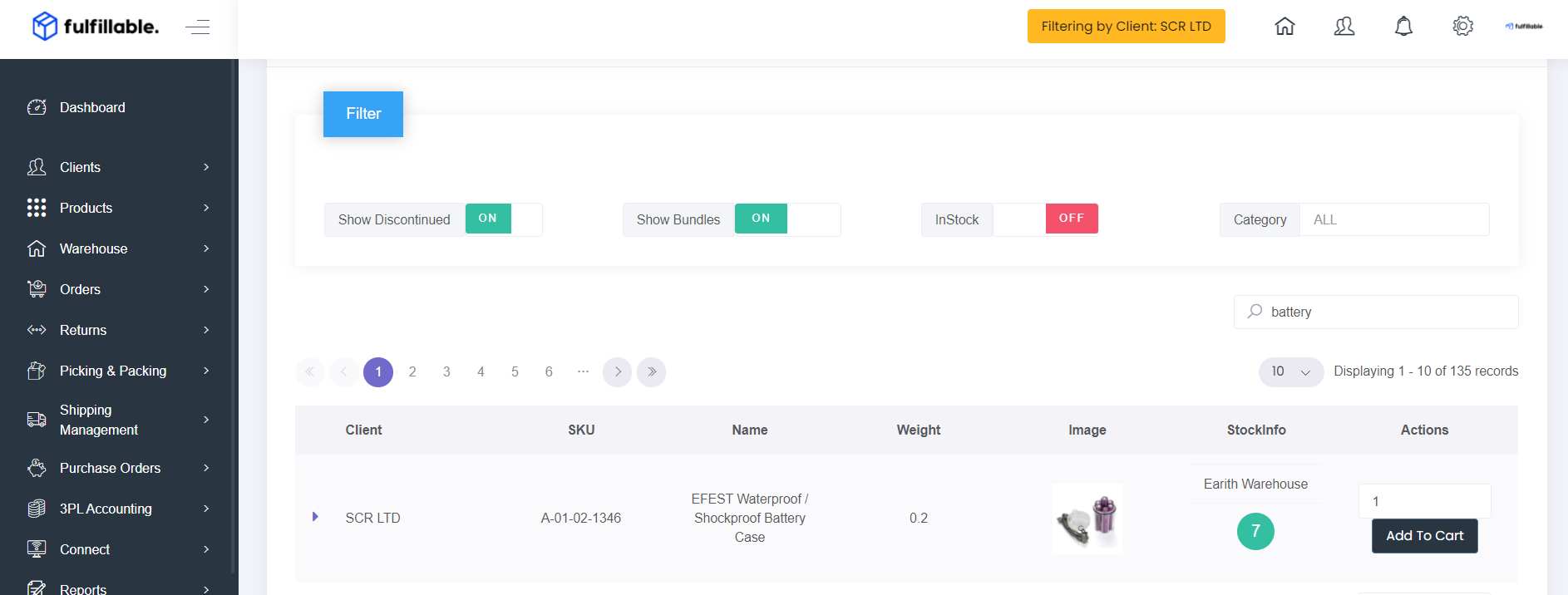
3) Select the items required and add them to the order
4) The items summary will now be shown. Now press the "Complete Order" button 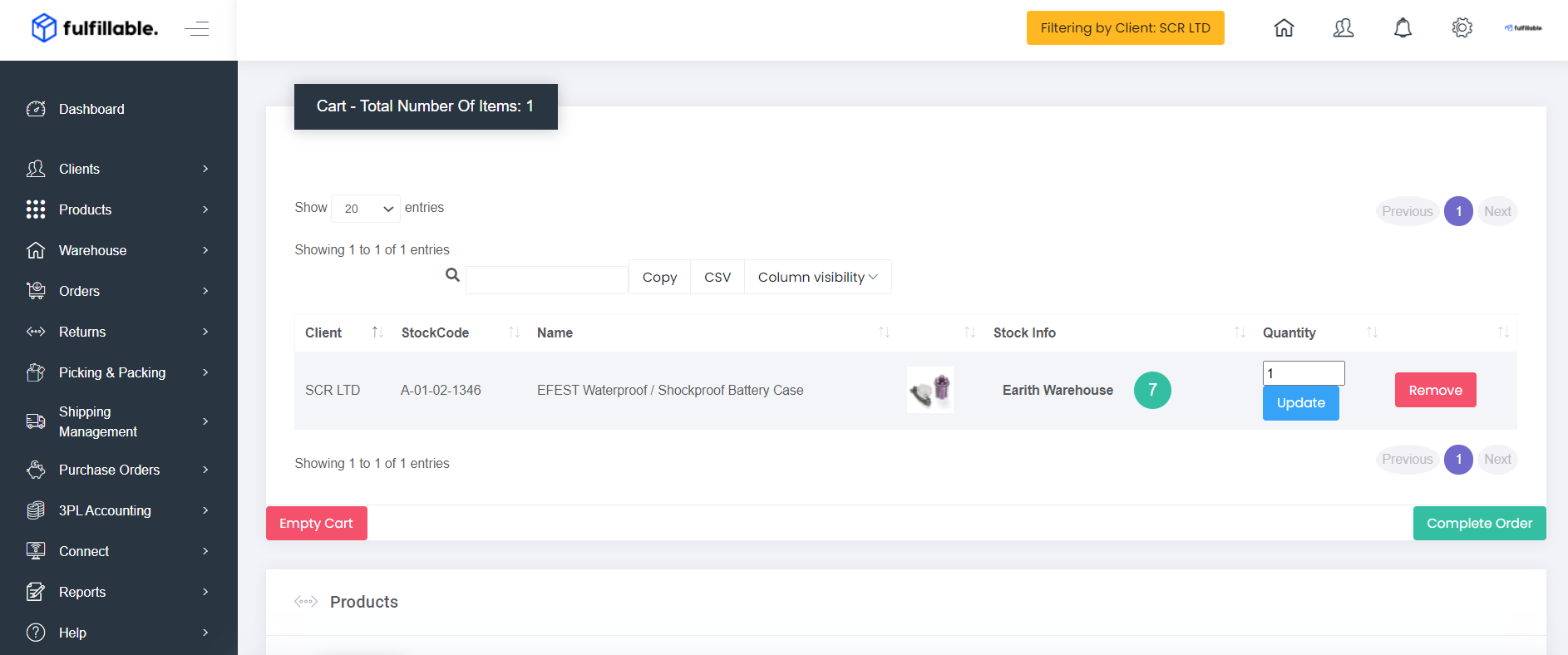
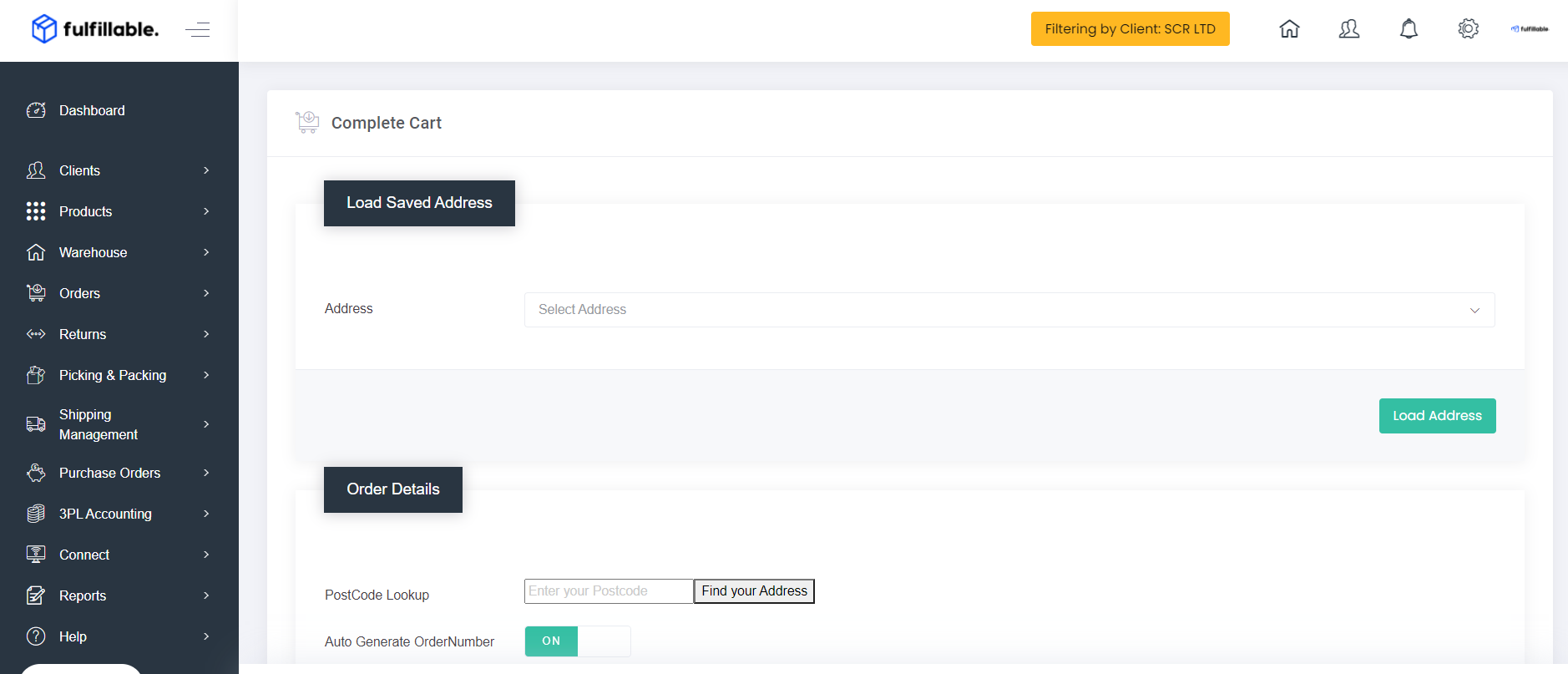
5) Either load a saved address or enter the order details below.
For most orders you only need to enter the following information.
- Name
- Address
- Courier Service
- Phone Number
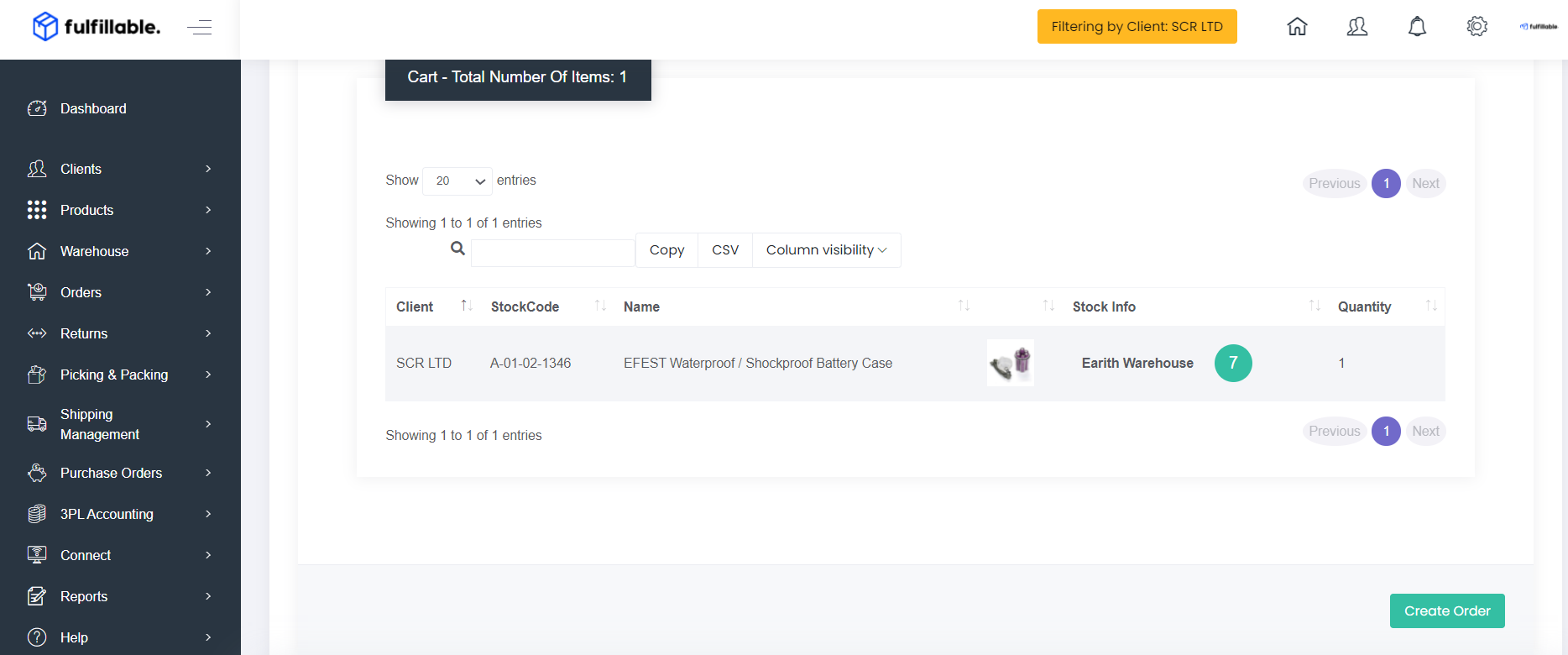
6) Click the "Create Order" button and the order will now have stock allocated and be processed for dispatch by the warehouse.
Comments
0 comments
Please sign in to leave a comment.